

Write to us
Email a real person at Rocuo. We read every message.
info@rocuo.com
Start with the quick fixes below. If they do not help, write to us and we will do our best to help.
Email a real person at Rocuo. We read every message.
info@rocuo.comEvery screen is explained, with pictures of the app.
Open the guideDelete your account, even without the app. Or read how we look after your data in the privacy policy.
Delete my accountQuick fixes
Open the one that matches what you see. Each answer is short and goes step by step.
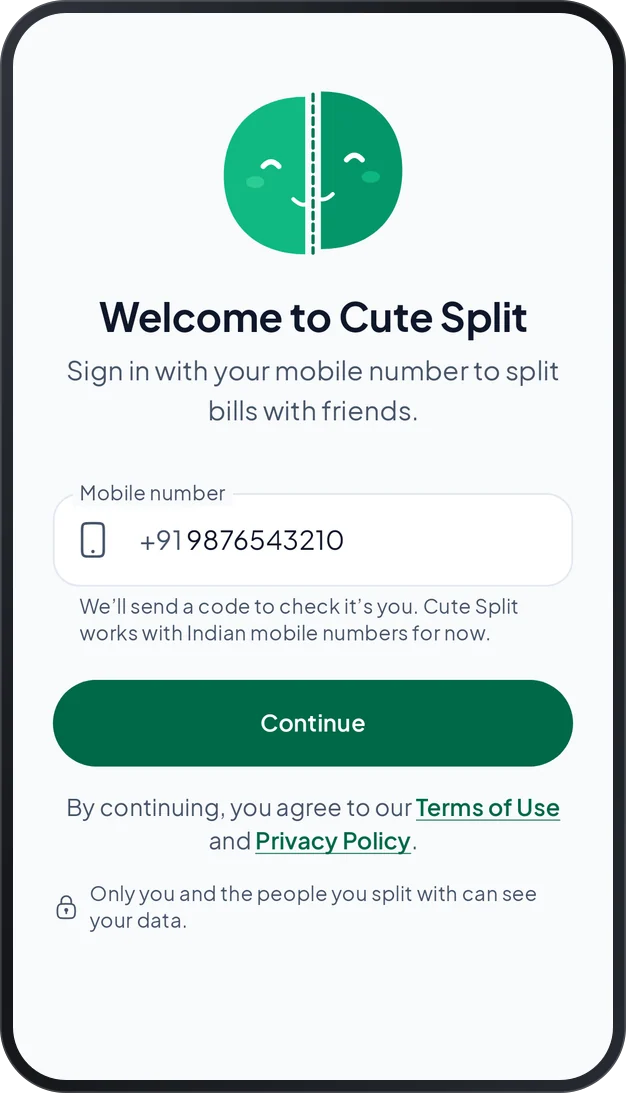
If the code is wrong, check the six digits and type them again. If it has expired, ask for a new one.
After too many tries in a short time, the app tells you how long to wait. Try again after that.
You can send them a summary on WhatsApp in the meantime. They do not need the app to read it.
Cute Split saves every change on your phone first and sends it when you are online. Connect to the internet and wait a moment. Settings shows how many changes are waiting.
Please do not sign out before they are sent. The app warns you that changes still waiting would be lost.
Install Cute Split and sign in with the same mobile number. Your groups, friends and expenses come back from your account.
This phone still holds the data of a different Cute Split account. To sign in with your number, choose Remove it and continue. That data is removed from this phone and stays safe in the other account.
This version is too old to work with our service. Open the Cute Split page on Google Play and update it. Your data is safe.
Cute Split lists only the UPI apps it finds on your phone. If none is found, pay with cash or your bank, then save the payment in Cute Split.
If an app does not open from Cute Split, open it yourself. Tap Copy number in Cute Split, paste the number in your UPI app and pay. Then come back and tap Yes, save it.
Open it and delete it. The balance goes back to what it was before. Tap Undo right after, if you change your mind. The guide shows how settling up works.
No. Deleting an account is for good. What is removed, and what stays for the people you shared with, is explained on the delete account page and in the privacy policy.
We will do our best to help. Please tell us your Android version and what you saw.
We read every message