
Spaces, 21 ready-made boards and alerts that stay as long as you want
VibeBoard 1.9.0 adds spaces: boards of their own, with a name and an emoji. The ready-made boards grow from 5 to 21, and this website has a page where every board can be downloaded. A News widget can tell you about a new post, an alert stays as long as you choose, and one list shows what you missed while you were away.
What is new
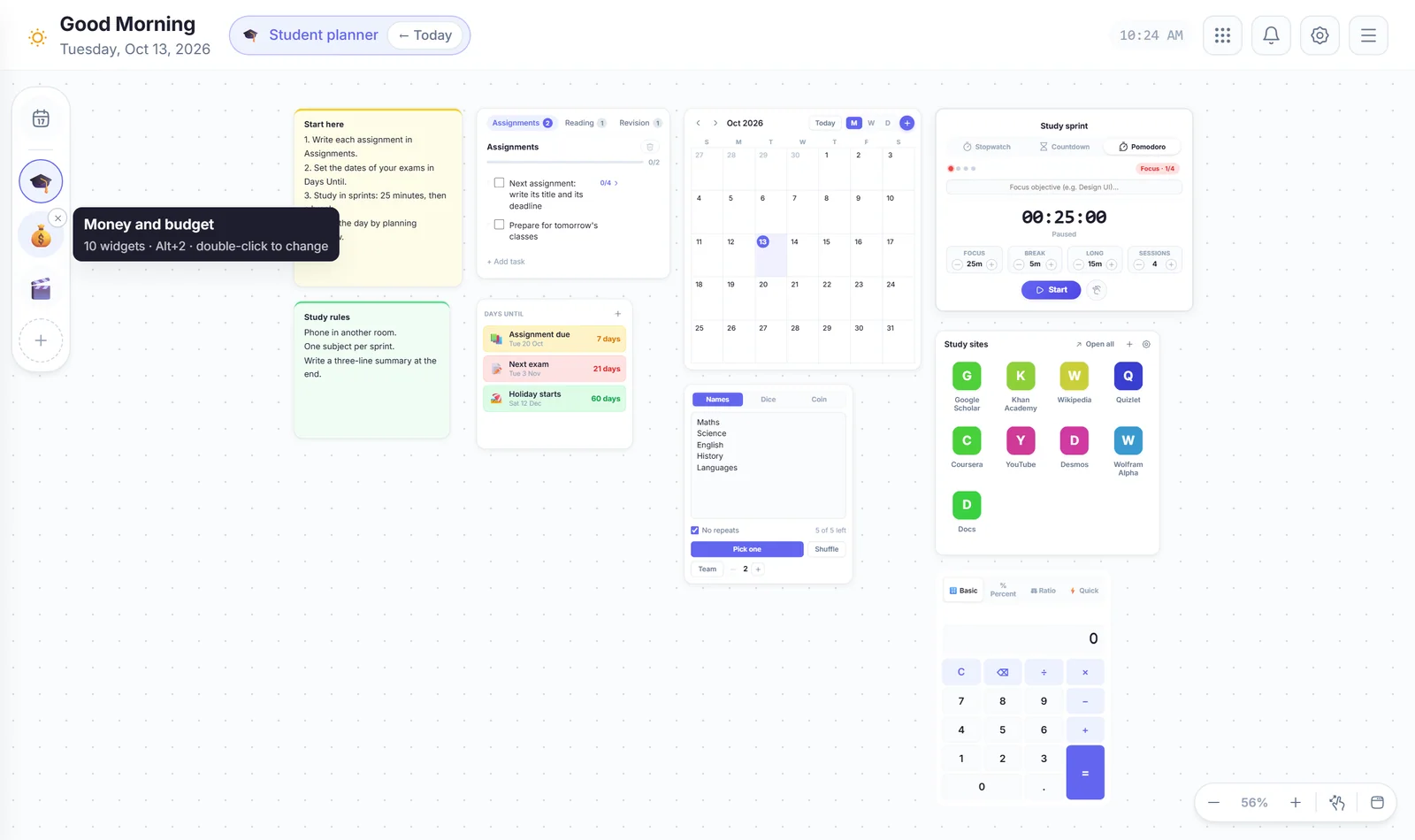
- Spaces are boards of their own, with a name and an emoji you choose. They sit in a row at the left edge of the board: Today first, then your spaces, then a plus button. Point at a space to see its name and a small cross that removes it, and VibeBoard asks twice before it does. Alt+1 to Alt+9 open the first nine. Any widget can go into a space, and the search can look only in the space you are in.
- 21 ready-made boards on five shelves: Work, Study, Life, Money and Create. Every board has a Start here note, and What’s inside says what each widget is for. Add a board to today’s board or make it a space. You can also save your own board as a file, and add a board from a file.
- A page for the boards on this website: Ready-made boards shows each board with a picture, who it is for and what each widget is for, and has a button that downloads its file.
- News tells you about new posts. Choose how often a News widget looks, from every 15 seconds to every 3 hours. New posts are marked in light purple until you open them, and a switch gives you a notification and a line in the bell menu.
- You choose how long an alert stays. Settings → Notifications → How long a notification stays offers 5 seconds, 10 seconds, 30 seconds, 1 minute, 5 minutes or until you close it. It was about 5 seconds before, and it starts at 30 seconds now.
- Welcome back. When you return after 5 minutes or more, or after days, one list inside the board shows the reminders, calendar reminders and task due dates that came due while you were away, up to 14 days back. You can choose 10, 15, 30 or 60 minutes instead, or switch it off.
What is better
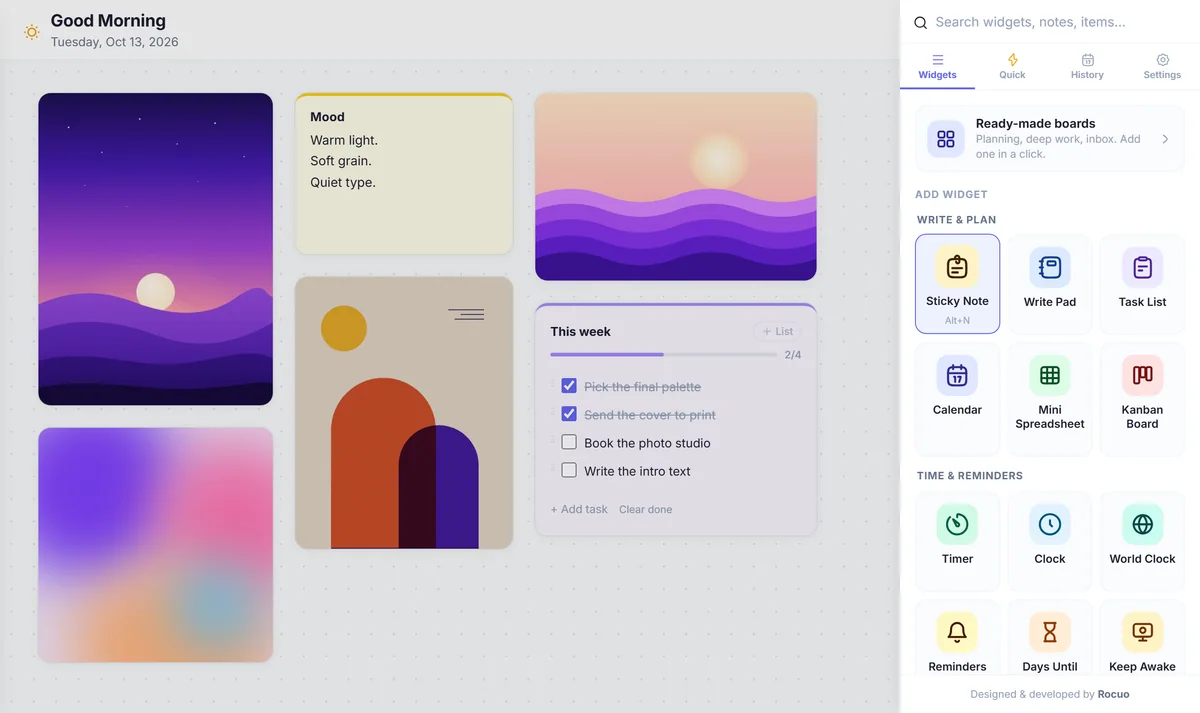
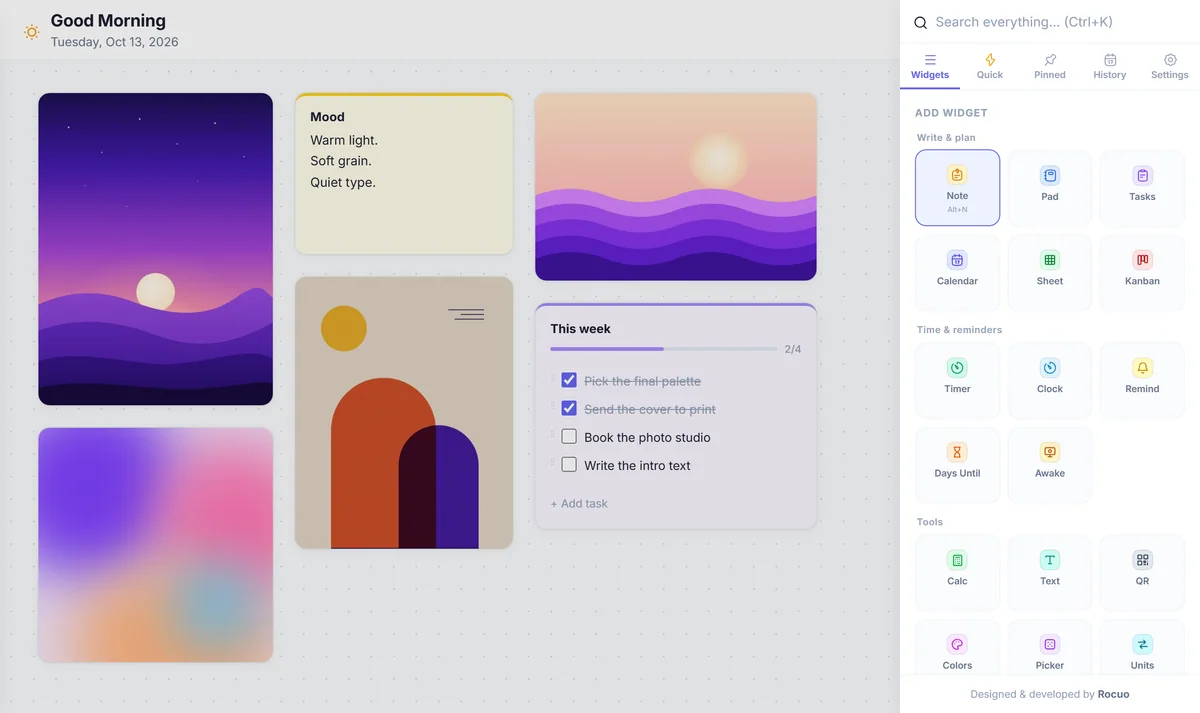
- Round icons in the Add widget panel: a round, soft background and a thin line picture for every widget, checked one by one.
- Fit all (Ctrl+1) keeps clear of the row of spaces.
- A backup holds your spaces with their widgets. Backups from before still import.
Privacy
- Still three permissions when you install: storage, alarms and notifications. This version asks for no new one.
- Your spaces, the time of an alert and the welcome-back list stay on your computer. Nothing is sent to Rocuo. The privacy policy has the details.
- The ready-made boards are still read from rocuo.com only after Chrome has asked you. VibeBoard only downloads, and a board file you add from your computer is read there and not sent anywhere.
- A short time between looks (15 seconds) asks the news websites you added more often. Only those websites are asked.
Good to know
- The new boards need version 1.9.0. An older VibeBoard adds the widgets it knows and says how many it left out.
- Alerts stay 30 seconds until you change it. macOS and a few Linux desktops decide the time themselves and may hide an alert sooner.
- VibeBoard looks for new posts while a VibeBoard tab with that board is open. In a tab you are not looking at, Chrome lets the page look about once a minute, and only when the notification switch is on.
- Chrome gives a new version when you close every VibeBoard tab, or when you restart Chrome. If Settings → About still says 1.8.0, Chrome has not given you 1.9.0 yet.